An office relocation involves more than moving desks, chairs and furniture. For many Vancouver businesses, technology is one of the most important parts of the transition.
Computers, monitors, servers and communication systems support daily operations. If these systems aren’t properly protected and their relocation is poorly coordinated, businesses can experience delays, interrupted workflows and costly downtime.
A successful office technology relocation requires careful planning, coordination between teams and a clear understanding of when equipment needs to be disconnected, moved and reinstalled.
Here’s what businesses should consider when preparing to relocate their IT infrastructure.
Why Is IT Planning Important During an Office Move?
Technology plays a central role in how most businesses operate. Employees rely on their workstations, communication systems and access to shared resources to complete their daily responsibilities.
When these systems are unavailable, even temporarily, it can affect productivity across the organization.
Planning for technology relocation should begin early in the moving process, alongside decisions about furniture, floor plans and building access.
This gives businesses time to identify equipment that requires special handling, coordinate with their IT teams and establish a realistic schedule for the transition.
Rather than treating technology as one of the final tasks on moving day, it should be incorporated into the relocation plan from the beginning.
What Technology Should Be Considered Before Moving?

Before moving, businesses should review the technology and equipment currently used throughout their workplace.
This may include:
- Desktop computers, monitors and workstations
- Servers and related IT infrastructure
- Phones and communication systems
- Printers, scanners and other shared equipment
- Meeting room technology and audiovisual equipment
- Cables, peripherals and specialized devices
Identifying these items early helps businesses understand what needs to be moved, what may require additional preparation and which teams or vendors need to be involved.
It is also an opportunity to review the new office layout and confirm where workstations and shared technology will be located.
Creating an equipment inventory and using a clear labelling system can help ensure items are transported to their intended locations, particularly when multiple departments are moving at once.
How Can Businesses Protect Technology During an Office Relocation?
Protecting technology involves more than ensuring equipment arrives at the new office without damage. Businesses also need to consider how equipment will be prepared, handled and reconnected as part of the transition.
Before moving day, there are several steps worth reviewing with your IT team:
- Identify equipment requiring special handling. Servers, monitors and other sensitive technology may need additional preparation or protection during transportation.
- Confirm shutdown and disconnection procedures. IT teams and technology vendors should establish how equipment will be safely disconnected and prepared for the move.
- Review backup and data protection requirements. Businesses should work with their IT providers to confirm that important systems and information are protected before equipment is relocated.
- Label equipment and connections. Clear identification can help technology teams organize equipment at the new location and support the reconnection process.
- Coordinate equipment handling with the moving schedule. Technology should be ready for transport when the moving crew arrives, with the appropriate teams available at each stage.
These preparations help reduce confusion on moving day and give everyone involved a clearer understanding of their responsibilities.
Experienced Vancouver office movers can coordinate the physical relocation of technology with the broader moving plan. Depending on the services arranged, DLO can also assist with computer and equipment disconnection and reconnection, working alongside internal IT teams and specialized vendors as needed.
Why Does the Order of an Office Move Matter?
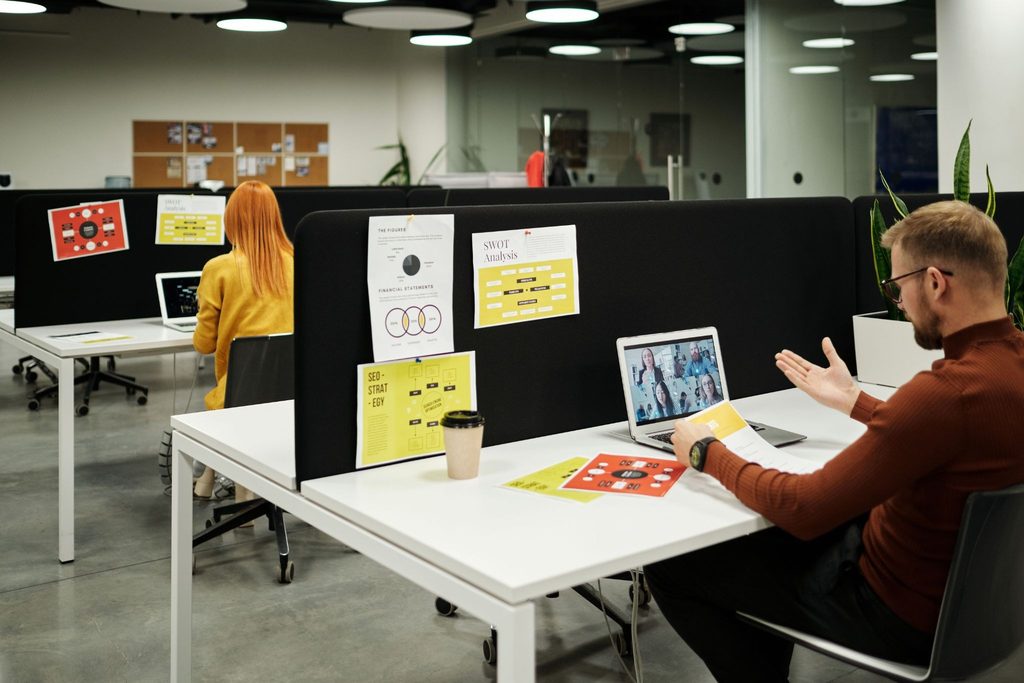
One of the most important parts of an office technology relocation is sequencing.
Technology installation often depends on other tasks being completed first.
For example, monitors cannot be installed until desks are assembled, and desks cannot be assembled until the space has been properly prepared.
If IT vendors arrive before furniture installers have finished their work, it can create scheduling conflicts and delay the overall move.
A coordinated moving schedule helps establish when each team needs access to the space and which tasks must be completed before the next stage begins.
This may involve sequencing furniture delivery and assembly, workstation placement, technology installation and final equipment setup.
Planning these activities together helps avoid situations where one team is waiting for another to finish before they can begin their work.
What Vancouver Building Logistics Should Be Considered?
For businesses relocating within Vancouver, building access can influence how technology and other office equipment are moved.
Elevator reservations, loading dock availability, parking restrictions and downtown traffic conditions may all affect the moving schedule.
Some commercial buildings also have specific requirements for moving large equipment or accessing shared areas.
These details should be confirmed with building management before moving day, particularly when multiple vendors need access to the same location.
For more complex relocations, coordinating the arrival of furniture installers, moving crews and IT teams can help avoid congestion and scheduling conflicts.
Building additional time into the schedule also provides flexibility if access restrictions or unexpected delays affect the move.
What Does a Move Coordinator Do During an IT Relocation?

Office technology relocation often involves several groups working together, including internal IT departments, external technology vendors, furniture installers, moving crews and building management.
Managing these responsibilities internally can become time-consuming, particularly for larger or more complex moves.
Businesses can choose to engage a dedicated DLO Move Coordinator for additional project management support.
A Move Coordinator acts as a central point of communication, helping organize the moving schedule and coordinate the different vendors involved.
Depending on the project, this may include developing a master schedule, confirming vendor timelines, coordinating building access and ensuring furniture and technology activities are planned in the correct order.
This structured approach helps reduce scheduling conflicts and allows internal teams to focus on their own responsibilities.
How Can Businesses Minimize IT Downtime During a Move?
Keeping technology downtime to a minimum starts with understanding which systems employees need to continue working.
Some businesses may be able to relocate departments in stages, while others may need to complete certain moving activities outside regular business hours.
The right approach depends on the organization’s technology requirements and how much interruption its daily operations can accommodate.
Before moving day, businesses should work with their IT teams to establish when equipment will be disconnected, transported, reinstalled and tested.
It’s also important to allow time for technology teams to confirm that workstations, communication systems and other essential equipment are functioning before employees return to their regular responsibilities.
Although downtime cannot always be avoided, planning for these interruptions helps businesses prepare their teams and return to normal operations more efficiently.
What Should You Do With Outdated Office Technology?
An office relocation is an opportunity to review equipment that may no longer be needed.
Over time, businesses accumulate outdated monitors, cables, peripherals and other technology that can take up valuable storage space.
Before moving, consider which items are still required and which can be removed from the inventory.
Relocating unnecessary equipment can add to moving costs and create clutter in the new workplace.
DLO Move Support Services can help organizations coordinate the removal and recycling of redundant IT assets where appropriate.
Similar to DLO’s approach to office furniture repurposing and recycling, reviewing unwanted items before a move can help reduce unnecessary waste.
Businesses should also consult their IT teams about any data security requirements before disposing of devices that may contain sensitive information.
How Can DLO Support Your Office Technology Relocation?
Relocating technology requires coordination between the people moving the equipment and the teams responsible for installing and maintaining it.
DLO Move Support Services works with businesses throughout Vancouver and the Lower Mainland to manage the logistics of corporate office relocations.
Through our office moving services, we help coordinate the physical movement of office furniture, workstations and equipment while working alongside internal IT departments and external technology vendors.
For organizations requiring additional planning support, our optional Move Coordinator service can help manage vendor schedules, building access and the sequence of moving activities.
By addressing these details early, businesses can better prepare for the relocation and reduce the logistical demands placed on employees.
Planning an Office Technology Relocation in Vancouver?
Moving IT equipment and technology safely requires more than careful transportation. It also depends on early planning, clear communication and the right sequence of activities.
Whether you’re relocating a small office or coordinating a larger corporate move, preparing your technology requirements in advance can help make the transition more manageable.
Planning an office relocation in Vancouver or the Lower Mainland? Contact DLO Move Support Services to learn how our office moving and coordination services can support your next move.